AI Security & Risk Assessment Services
Secure Your AI Use. Understand the Risks. Protect Your Business.
Independent AI security and risk assessments for Australian organisations. Whether your team is using ChatGPT, Microsoft Copilot, Gemini, Claude, OpenClaw or all of them, Sentry Cyber helps you understand exactly how AI is being used in your business, where the risks sit, and what controls you need to put in place.
Book a
complimentary
Ai security
discovery call
Have a 30-minute conversation with a certified Sentry Cyber specialist to discuss how your organisation is using AI today and what the security risks may be.

NO COST.

No obligation

No sales pitch.
we’ll help you think through:
-
 Which AI tools your staff are using
(officially and unofficially) -
Where sensitive data may be at risk of
leaking through AI -
What practical controls you can put in
place quickly -
Whether a deeper paid AI
Risk Assessment makes sense for your
business


-
Book my free discovery call

78% of Knowledge Workers
Now Use AI at Work
The pace of AI adoption inside Australian businesses has outstripped almost every organisation’s ability to govern it. Staff are using ChatGPT for client emails. Marketing teams are pasting customer data into Gemini. Developers are sending source code to AI coding assistants. Finance teams are uploading spreadsheets to summarise.
Most of this is happening without IT or security knowing.
That isn’t a workforce problem, it’s a control problem. AI delivers genuine productivity gains, and asking staff to stop using it is unrealistic. The opportunity is to enable AI use safely, with the right policies, education, and technical guardrails in place.
That isn’t a workforce problem, it’s a control problem. AI delivers genuine productivity gains, and asking staff to stop using it is unrealistic. The opportunity is to enable AI use safely, with the right policies, education, and technical guardrails in place.
That’s where Sentry Cyber comes in.
Why AI Security
Can't Be an Afterthought
AI tools behave differently to traditional software, and the risks they introduce don’t fit neatly inside your existing cyber controls
-
Specific ai security risks

-
AI tools learn from what you give them.
Sensitive data pasted into a public AI model may be used for
future training and surfaced to other users. -
AI tools integrate broadly.
Once connected to email, files, calendars, or your CRM, AI can act
on data far beyond what staff originally intended. -
AI tools are vulnerable to manipulation.
Prompt injection, data poisoning, and model jailbreaks
are real and active attack techniques. -
AI tools are largely invisible to traditional security stacks.
Most firewalls, EDR platforms, and DLP tools don't see what staff
are doing inside ChatGPT or Copilot.


-
Without visibility and controls, organisations are exposed to:

-
Data leakage
Through staff pasting sensitive content into public AI tools -
Compliance breaches
Under the Privacy Act, APP 11, and emerging AI-specific regulations -
Intellectual property loss
Through confidential information being used for model training -
Shadow AI proliferation
Unsanctioned AI tools used outside IT visibility -
Reputational damage
From biased, hallucinated, or rogue AI outputs being acted upon -
Regulatory exposure
As Australia moves toward AI-specific
obligations and global frameworks like the EU AI Act and ISO
42001 take effect


What "Shadow AI" Actually
Looks Like Inside Your Business
Shadow IT was already a problem. Shadow AI is dramatically worse
because every staff member with a browser can now access dozens
of free, capable AI tools in seconds.
-
Here's what we typically find when we assess Australian organisations:

-
Marketing
Using ChatGPT and Gemini for client copy,
often pasting confidential briefs and pricing

-
Sales
Running customer call summaries
through free transcription AI tools -
HR
Using AI to screen CVs without checking
whether candidate data is being retained -
Finance
Uploading spreadsheets containing
payroll or financial data for AI analysis


-
Developers
Pasting proprietary source code into AI
coding assistants -
Executives
Using personal ChatGPT accounts for
board-level strategy work -
Customer support
Using AI to draft responses containing
customer information


-
Most of these uses are well- intentioned. None of them are typically governed. All of them are
quietly creating risk. -
An Al Risk Assessment puts this in front of you with evidence, so you can decide what to allow, what to restrict, and how to safely enable productivity.

Common AI Systems We Assess
platforms most commonly used in Australian businesses:
Generative AI Assistants
- ChatGPT (OpenAI)
- Free, Plus, Team, and Enterprise
- Microsoft Copilot
- Microsoft 365 Copilot, Copilot for Sales,Copilot Studio
- Google Gemini
- Gemini for Workspace and Gemini Advanced
- Claude (Anthropic)
- Claude.ai and Claude Enterprise
- OpenClaw
- Open Source DIY AI Agents and self hosted LLM
- Perplexity
- Perplexity, Grok, DeepSeek and other emerging models
Embedded AI Inside Business Tools
- Microsoft 365 Copilot inside Word, Excel, Outlook, Teams
- Google Gemini inside Gmail, Docs, Sheets, Meet
- AI features inside Notion, Slack, Zoom, HubSpot, Salesforce
- AI inside Adobe Creative Cloud, Canva, Figma
AI Coding Assistants
- GitHub Copilot, Cursor, Claude Code, Codeium, Tabnine
Custom and Agentic AI Platforms
- OpenAI API integrations
- Claude API and agentic implementations
- Custom GPTs and Copilot Studio agents
- Internal AI agents and automation platforms
Our Approach to
AI Security & Risk Assessment

PHASE 1
We work with your team to understand what AI tools are sanctioned, what’s being used in shadow, and what data is flowing through them. This includes interviews across departments, technical discovery of AI usage, and a review of any existing AI policies.
PHASE 2
We assess identified AI use against established frameworks including the OWASP Top 10 for LLMs, NIST AI Risk Management Framework, and emerging Australian AI guidance. Each AI use case is scored for data sensitivity, regulatory exposure, and likelihood of harm.
PHASE 3
You receive:- A clear executive summary suitable for the board
- A full inventory of AI tools in use across the organisation
- Risk-rated findings for each AI system and use case
- A practical remediation roadmap covering policy, technology, and people
- Recommended AI-acceptable Use Policy templates
- Optional staff training to roll out alongside your controls
We Build AI Too,
So We Understand It From Both Sides
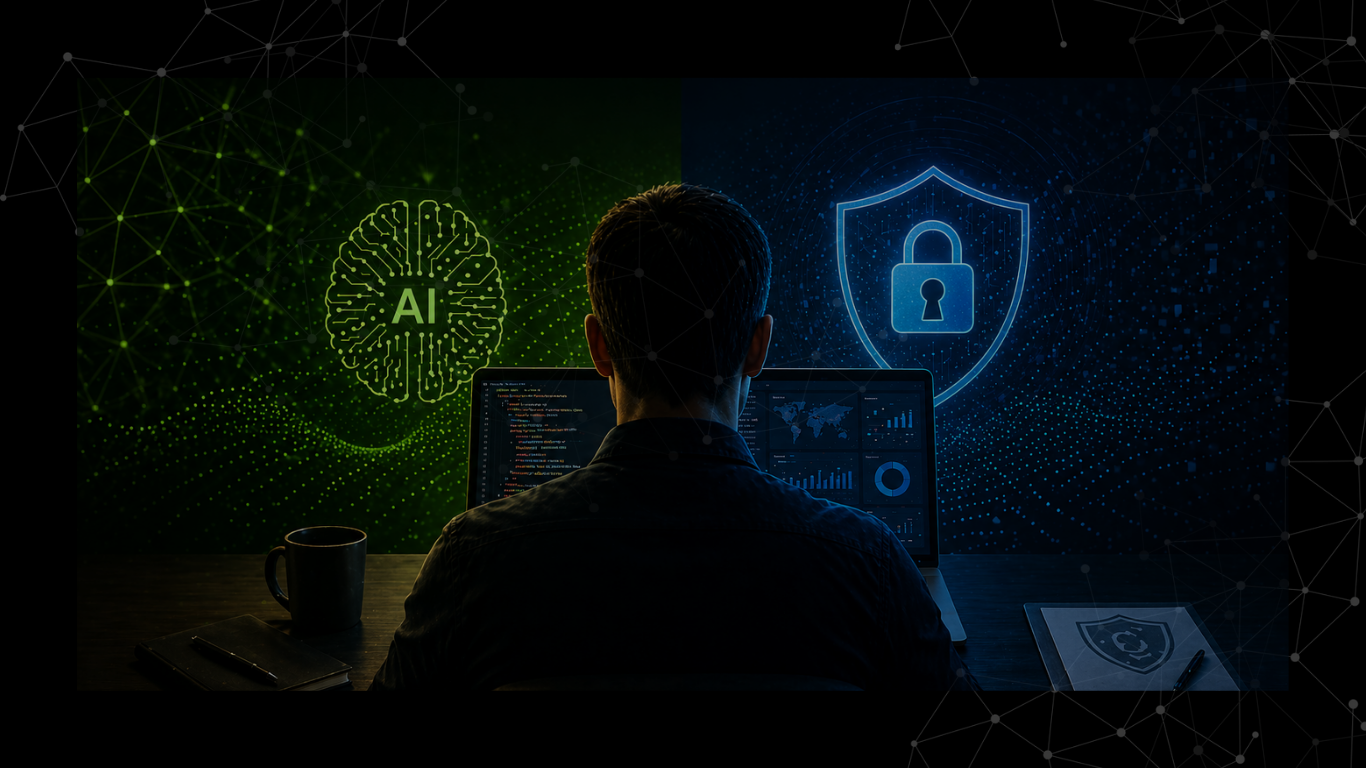
Sentry Cyber has built our own agentic AI platform powered by OpenClaw, Building real AI systems gives us a deeper understanding of how AI handles data, where the architectural risks sit, and what genuinely effective security controls look like.
That experience flows directly into how we assess your environment. We don’t just read AI security white papers, we live the same challenges
every day in our own platform.
When we assess your AI use, we’re looking at it through the lens of someone who has built, deployed, and secured production AI systems. That’s a meaningfully different perspective from a generalist consultant who has only ever read about AI.
-
What's Included
in an AI Risk Assessment

-
● Shadow AI discovery
● Identifying unsanctioned AI tools in use -
● AI tool inventory
● Mapping sanctioned and unsanctioned AI across the business -
● Prompt injection and AI-specific threat assessment
● Where applicable -
● Policy review
● Assessing existing AI Acceptable Use Policies (or building one if none exists) -
● Microsoft 365 Copilot assessment
● Reviewing permissions, data exposure, and configuration -
● Google Gemini for Workspace assessment
● Same review for Google environments -
● AI vendor and contract review
● Understanding what each provider does with your data -
● Agentic AI and OpenClaw assessment
● Covering permissions, skill security, data access scope, and prompt injection -
● Prioritised remediation roadmap
● Quick wins first, longer-term controls planned out -
● Microsoft 365 Copilot assessment
● Reviewing permissions, data exposure, and configuration
Training: Helping Your
Team Use AI Safely
Technical controls alone won’t solve the AI
security challenge. Your staff need to
understand what AI can and can’t safely be
used for, and what to do when they’re unsure.
-
What types of information should never be put into public AI tools
-
How to spot AI-generated phishing and deepfake content
-
Safe use of approved AI tools for everyday work
-
Why prompt injection matters and how attackers exploit AI
-
Practical examples of AI gone wrong inside Australian organisations
-
How to escalate AI-related incidents or concerns


Why Sentry Cyber:
A Dedicated Australian Cyber Security Firm
Sentry Cyber is not a generalist IT provider that has added AI
to a service brochure. We are a specialist cyber security company, based in
Melbourne, with hands-on experience securing AI in Australian organisations.
- Have built and deployed production AI systems themselves
- Understand how attackers exploit AI weaknesses (because we test for it)
- Know how staff actually use AI tools day-to-day, not just how vendor documentation describes it
- Combine traditional cyber security expertise with deep AI familiarity
- Operate entirely in Australia, your data and project work stays onshore

These are hands-on technical certifications earned through examination and practical assessment.
When a Sentry Cyber consultant assesses your AI use, you’re working with a certified practitioner, not a sales rep working off a checklist.
What Makes
Sentry Cyber Different
-
We Build AI, Not Just Assess It
We've built our own agentic AI platform powered by OpenCLAW & Claude. We understand AI from the inside out, what it can do, where it breaks, and how to secure it properly. -
Cyber Security First
AI security is just one part of cyber security. We bring full-stack cyber expertise to every AI engagement from network controls to identity, data loss prevention, and incident response. -
Australian Owned and Operated
Your data stays in Australia. Your project work stays in Australia. No offshoring, no surprises. -
Practical Over Theoretical
We give you a roadmap your team can actually action not a 60-page document full of frameworks that nobody implements. -
For Every Stage of AI Maturity
Whether you've just started experimenting with ChatGPT or you've deployed Copilot across hundreds of users, we meet you where you are.



Outcomes You Can Expect
-
Clear visibility
Of how AI is being used across your business -
Reduced data leakage risk
Through both policy and technical controls -
Compliance confidence
With current and emerging Australian privacy and AI regulations -
An informed workforce
That knows how to use AI safely -
Documented evidence
For your board, insurer, and customers that AI is being managed responsibly -
Faster, safer AI adoption
Enabling productivity without the unmanaged risk


Who This Assessment Is Built For

The Essential 8 Assessment is designed for:
- Any Australian organisation that wants to enable AI productivity without unmanaged risk
- DISP members and Defence contractors managing AI alongside Essential Eight obligations
- Boards and Executives asking "what's our AI exposure?" and wanting a credible answer
- Companies in regulated industries - finance, health, legal, government suppliers
- Businesses rolling out Microsoft 365 Copilot or Google Gemini for Workspace and wanting to do it safely
- Organisations with staff using ChatGPT, Copilot, Gemini, Claude or other AI tools — sanctioned or otherwise
-
Waiting until something goes wrong, a data leak, a regulatory notice, a customer asking awkward questions is the most expensive path. A discovery call costs you 30 minutes.

Why Now?
Three things have changed that make AI risk assessments urgent:

AI use inside Australian
businesses has exploded.
The volume of staff using free AI tools has grown faster than any IT change in the last decade.

Australian privacy reform, the EU AI Act, and ISO 42001 are reshaping what “responsible AI” looks like.

AI-specific questions are now appearing on insurance renewal forms, and unmanaged AI is a flagged risk.
-
Waiting until something goes wrong, a data leak, a regulatory notice, a customer asking awkward questions is the most expensive path. A discovery call costs you 30 minutes.
Start with a Free
Discovery Call
-
We'll have a 30-minute conversation about how your organisation is using AI today and where the risks sit. No cost. No obligation. No sales pressure.
-
If a deeper paid AI Risk Assessment makes sense for your business, we'll quote it transparently. If it doesn't, we'll tell you that too.


-
1800 526 269

-
Book my free discovery call

Frequently Asked Questions
What is an AI Risk Assessment?
An AI Risk Assessment is an independent review of how AI is being used inside your organisation, what risks that use creates, and what controls you should put in place. It covers shadow AI discovery, sanctioned AI tools, data flow analysis, policy review, and a practical remediation roadmap.
Is the discovery call really free?
Yes. The 30-minute discovery call is complimentary and comes with no obligation. We use it to understand your environment, answer your questions, and help you decide whether a deeper paid assessment makes sense for your business.
How much does the AI Risk Assessment cost?
Pricing depends on the size of your organisation, the number of AI systems in use, and the depth of assessment required. We provide a fixed-price quote after the discovery call so there are no surprises.
What’s the difference between AI Risk Assessment and AI Security Training?
You can, and the ACSC provides a free self-assessment tool. However, self-assessments consistently over-estimate maturity. They also don’t carry weight with insurers, DISP auditors, or enterprise customers who want evidence from an arm’s-length assessor. If you’re preparing for any of those, an independent assessment is the only credible option.
Can you help us write an AI Acceptable Use Policy?
Yes. Every paid AI Risk Assessment includes a customised AI Acceptable Use Policy template. We can also assist with rollout, staff communication, and ongoing policy maintenance.
Do you offer ongoing AI security services?
Yes. After an initial assessment, many clients engage us for ongoing AI security advisory, regular reviews as new AI tools emerge, and integrated cyber awareness training programs.
How long does an AI Risk Assessment take?
Most assessments are completed within two to four weeks, depending on the size of your organisation and the number of AI tools in scope.
What if our staff are using AI we don’t know about?
That’s exactly what shadow AI discovery is for. Most of our assessments uncover several AI tools that IT had no visibility into. The point isn’t to punish staff it’s to bring use into the light so it can be governed properly.
Will this slow down our AI adoption?
The opposite. Properly governed AI use is faster and safer than ungoverned use. Once staff have clear guidelines, sanctioned tools, and approved use cases, they can use AI confidently without constantly worrying whether they’re crossing a line.
Is our data safe with you?
Absolutely. All assessment work is performed by Australian-based Sentry Cyber consultants. We are bound by strict confidentiality and operate under Australian Privacy Principles.
What happens after the assessment is complete?
You receive a full report with executive summary, AI inventory, risk findings, and a prioritised remediation roadmap. We walk you through it personally so nothing is lost in translation, and you leave with a clear plan you can action, with your in-house IT team, your MSP, or with Sentry Cyber’s help.
Ready to understand
your AI risk?
-
1800 526 269
-
Book my free discovery call