Free Source Library
Cyber security guidance,
built for small business.
Templates, playbooks and policies our own analysts use in the field,
free to download, and ready to put to work today.

TEMPLATES
AVAILABLE
18+

COVERAGE
SMB1001

FOCUS
Workspace

PLAYBOOKS
NIST-aligned

DOWNLOAD
$0
Browse by category
Helping small businesses run practical, audit-ready cybersecurity
without an enterprise budget.
Blog
Stay informed on the latest cybersecurity trends, key priorities for small and medium-sized businesses, and real-world case studies that build knowledge and support informed decisions.
Ebooks
Expert best practice guidance for securing Google Workspace, written by our Google Workspace Cybersecurity Specialist, Adrian Cosman Jones.
Google Workspace
Practical playbooks, checklists, and setup guides for securing Google Workspace, including incident response and Essential Eight guidance.
A practical AI policy template that helps your organization adopt AI safely with guidance on approved tools, data privacy, and governance.
Incident Response
Step by step incident response playbooks and report templates for responding to security incidents across personal Gmail and Google Workspace.
SMB1001
Ready to use policy templates aligned to SMB1001 controls, covering key areas including data protection, fraud prevention, device security, and staff awareness.
Need help putting these to work?
Our team can review your current setup against SMB1001 and tell you exactly what’s missing.
Best practice guides on how to secure Google Workspace
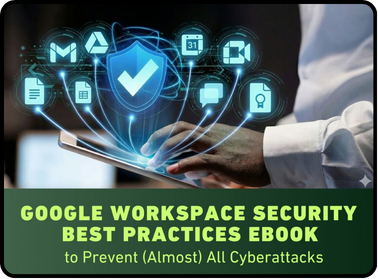
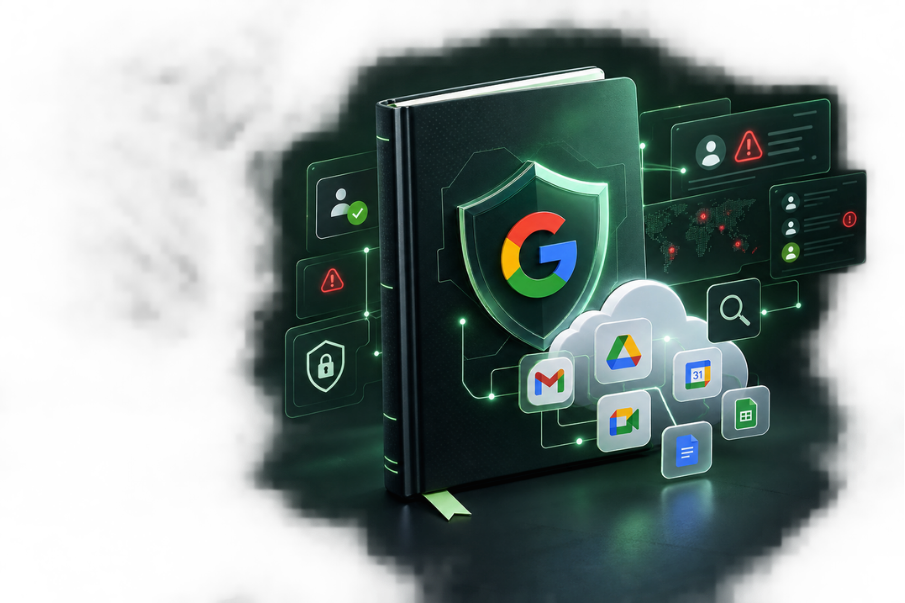
Google Workspace Security Best Practices eBook
Strengthen your Google Workspace security with practical guidance from Sentry Cyber. This free eBook covers common security gaps, stronger access controls, safer configuration practices, and proven ways to better protect your organisation, users and sensitive data from modern cyber threats.
Download your free copy and start improving your Google Workspace security today.

998
Downloaded
Google Workspace
Account Compromise
Incident Response Plan
This practical guide walks IT and security teams through how to detect, investigate, contain, and recover from a Google Workspace account breach, following a structured incident response process.
Incident Response Plan for Google Workspace (Playbook)
Download the free guide and strengthen your Google Workspace incident response.
Read our full guide on Google Workspace Incident Response Planning and learn how to prepare, detect, contain, and recover from account compromise.
Read the Google Workspace Incident Response Guide
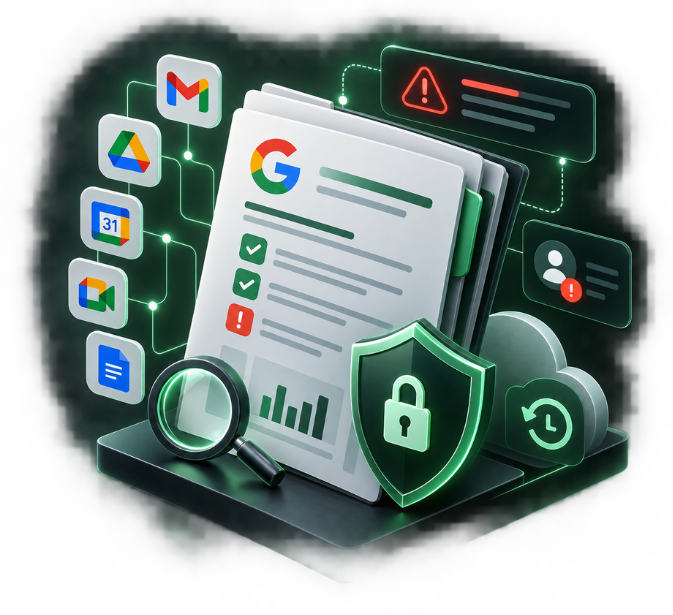
This standardized template enables IT teams to quickly document timelines, log forensic evidence across Google Workspace services, and classify exposed data (such as PII or corporate IP). It simplifies reporting to executives and regulatory authorities while establishing clear post-incident action items.
Download the free incident response reporting template.
Build a Stronger Google Workspace Incident Response Plan
Go beyond the playbook with practical guidance on preparing for incidents, investigating suspicious activity, containing compromised accounts, and recovering securely across Google Workspace.
Read the full Google Workspace Incident Response Plan
Incident Response reporting for Google Workspace (Template)

How to set up secure admin access for your Google Workspace
This guide explains how to leverage free Cloud Identity accounts and Just-in-Time (JIT) access to secure elevated admin privileges in Google Workspace. By keeping administrator rights suspended until needed and restricting third-party partner access, organisations can enforce least-privilege security and eliminate high-target attack vectors.
Strengthen Admin Access in Google Workspace
Learn how Cloud Identity and Just in Time access can reduce persistent admin privileges, support least privilege and limit exposure if an administrator or service provider account is compromised.
Read the Cloud Identity & Just in Time Access Guide
This guide demonstrates how organisations can align Google Workspace and ChromeOS configurations with the ACSC Essential Eight framework to reduce cyber risks and lower compliance costs. It outlines practical admin settings ranging from mandatory multi-factor authentication (MFA) and application control to restricted administrative access and daily SaaS backups to ensure robust cybersecurity resilience.
Align Google Workspace with the Essential Eight
Learn how to strengthen Google Workspace and ChromeOS using practical controls aligned with the ACSC Essential Eight, including MFA, application control, restricted admin access, and secure backups.
Read the Essential Eight Google Workspace Guide
Responsible and secure use of
AI technology policy
This practical template helps businesses safely adopt artificial intelligence by establishing clear guardrails around approved
tools, data privacy, and human oversight. Designed to meet SMB1001 compliance standards, it provides a structured
framework to prevent confidential data leaks, govern third-party API integrations, and manage
AI risk across generative, connected, and agentic maturity levels.

This practical AI Acceptable Use Policy template helps businesses adopt AI safely while protecting sensitive information, customer data and internal systems.
Designed to support SMB1001:2026 requirements, it covers approved tools, acceptable use, data handling, third party integrations, human oversight and staff responsibilities.
It also sets clear boundaries for generative, connected and agentic AI, and can be customised to suit your organisation’s cyber security and compliance needs.
Want to create your own AI Acceptable Use Policy?
Click here to access our editable template, which you can modify to suit your business, AI tools, and internal requirements.
https://docs.google.com/document/d/1U9Q8KynXBaI0uKqIwZLQ2ZXnDMNCNGc87TnQFXJDfQw/edit?tab=t.0
Read our latest blog to learn how businesses can use AI responsibly, protect sensitive data, and stay aligned with SMB1001 requirements.
Read the full blog here: https://sentry.cy/blogs/ai-use-policy/
Incident Response
Practical step by step incident response playbooks and reporting templates to help
investigate, contain, and document security incidents across personal Gmail accounts
and Google Workspace environments.
Personal Google Account (@gmail.com)
Incident Response Playbook & Report Template
Tailored for individual @gmail.com users without enterprise admin tools, this guide provides practical instructions for detecting unauthorized access, auditing settings (like email forwarding and OAuth permissions), and evicting attackers. It also includes a consumer-focused report template to document breaches for personal recordkeeping, insurance, or legal needs.
Need help responding to a compromised personal Gmail account?
Download our Personal Google Account Incident Response Playbook & Report Template