
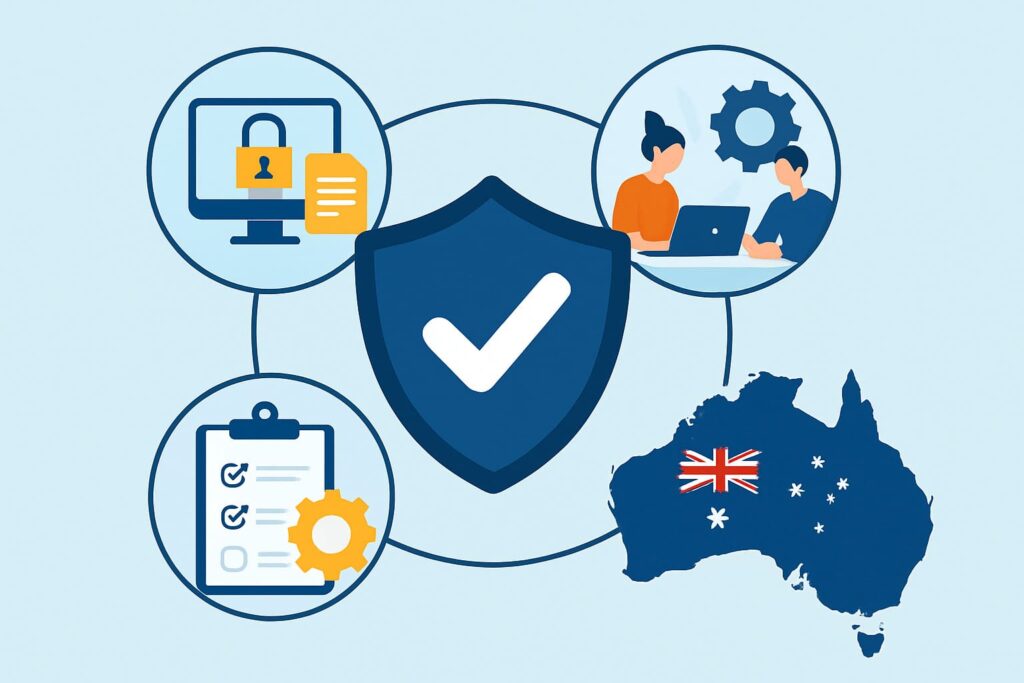
Small and mid-sized businesses across Australia are under pressure to strengthen their security posture without increasing operating costs. Many turn to Essential Eight compliance services in Australia to streamline their defences and meet the maturity expectations outlined by the Australian Signals Directorate. While the framework is straightforward, SMEs often struggle to turn each control into workable processes, repeatable tasks, and documented procedures.
This guide breaks everything down into practical steps. You will also see how a cybersecurity partner such as Sentry Cyber can help with assessments, implementation, and monitoring through specialised services.
What Makes the Essential Eight Practical for SMEs?
The Essential Eight focuses on the most effective mitigation strategies against modern cyber threats. Because it is structured around maturity levels, SMEs can progress gradually instead of attempting a full transformation at once.
It also integrates well with existing workflows. For example, many businesses improve their security posture by combining internal processes with external guidance, often starting with a formal assessment such as a securityassessmentworkshop offered through Sentry Cyber. You can learn more about their workshop here: complementary cyber security workshop which helps identify vulnerabilities before implementing any of the eight controls.
The Essential Eight also provides measurable outcomes. This is valuable for leadership teams, auditors, and cyber insurance providers who want clear evidence of risk reduction.
Why SMEs Need Essential Eight Compliance Services in Australia
As SMEs grow, their attack surface expands. Many operate across cloud platforms, remote teams, and third-party systems. This increases risk and creates gaps that are easy to overlook. Using cybersecurity services that focus specifically on Essential Eight implementation helps ensure that patching, backups, identity management, and application control become part of daily operations.
Most businesses begin this journey by conducting a baseline review. If your organisation is unsure where it stands, performing a cybersecurity gap analysis using expert support can highlight blind spots. You can find helpful guidance from the Australian Signals Directorate here: ASD Essential Eight principles, which outline expected practices and maturity pathways.
Core Components SMEs Must Put in Place
Operationalising the Essential Eight means moving beyond tools. You need policies, workflows, and user accountability. Each component should support one or more mitigation strategies.
1. Policy Documentation
Policies ensure staff follow consistent rules. For example, an application control policy defines which software is allowed, while a backup policy outlines retention schedules and restoration steps. Many SMEs create these documents while completing an Essential Eight security audit, because audits highlight gaps in governance.
2. Technical Controls
Automation reduces human error. Centralised patching, MFA enforcement, and backup automation help ensure continuous compliance. Businesses using Google Workspace often depend on specialised solutions. You can explore how platforms are secured through Google Workspace security services which help apply Essential Eight-aligned hardening controls.
3. User Processes & Behaviour
Even the best systems fail if staff bypass policies. That’s why ongoing training is essential. Many SMEs reinforce safe behaviour by running cyber awareness training internally or through managed providers such as Sentry Cyber. Training ensures employees understand how patching, phishing protection, and MFA affect their daily work.
Mapping the Essential Eight to SME Workflows
Below is a clear breakdown of how SMEs can convert each control into everyday processes.
1. Application Control
Create a list of approved applications and ensure staff do not install unverified software. A Melbourne-based accounting firm achieved this by using automated allow-listing tools. After implementation, malware attempts dropped significantly.
2. Patch Applications
Unpatched applications are among the top causes of breaches. Automated patching tools solve this by running updates weekly. Many SMEs also schedule a monthly review meeting to verify patch compliance using reports generated from their endpoint tools.
3. Configure Microsoft Office Macro Settings
Block macros from the internet and require signed macros. A regional logistics company avoided a costly incident after enforcing trusted-location rules that prevented an infected macro from running.
4. User Application Hardening
Disable unnecessary plug-ins, remove Flash, and block untrusted content. This reduces exposure to browser-based attacks.
5. Restrict Administrative Privileges
Restricting admin permissions is one of the fastest ways to improve security. A healthcare SME strengthened internal security by adopting temporary privilege elevation policies that allowed admin access only when needed.
6. Patch Operating Systems
Unsupported operating systems introduce avoidable risks. SMEs should track OS versions and automate update deployment, especially across remote devices.
7. Multi-Factor Authentication
MFA prevents attackers from exploiting compromised passwords. For cloud environments, controls are easier to maintain using platforms like Google Workspace backups which protect data from unauthorised access and misconfigurations.
8. Regular Backups
Backups should be isolated, tested quarterly, and stored in secure locations. Many SMEs rely on automated tools and cloud-based snapshots. Restoration tests confirm that data is recoverable during incidents.
Building Internal Processes Around the Framework
1. Assign Control Ownership
Each control should have a responsible owner. IT manages patching, HR oversees onboarding, and leadership signs off on policy updates.
2. Add Controls to Onboarding & Offboarding
Make MFA setup, application control rules, and access rights part of onboarding. During offboarding, revoke access immediately and confirm data recovery steps.
3. Conduct Regular Review Cycles
Monthly or quarterly reviews help identify gaps early. Businesses often document these reviews during a broader Essential Eight assessment for SMEs to track progress across maturity levels.
4. Training & Simulated Scenarios
Training ensures staff maintain strong cyber hygiene. Many SMEs enhance awareness by using regular phishing tests. You can explore practical simulations through Sentry Cyber’s phishing simulations service which reinforces secure behaviour across the workforce.
Real-World Scenarios: How SMEs Apply the Essential Eight
Scenario 1: The Growing Startup
A startup discovered multiple admin accounts with unnecessary privileges. By enforcing MFA and implementing access reviews, they reduced the chance of credential misuse. An internal policy update made the process repeatable.
Scenario 2: The Healthcare Provider
A clinic running outdated browsers faced phishing attempts. After conducting a structured cybersecurity gap analysis in Australia, they implemented application control and OS patching. Attack attempts dropped because vulnerable entry points were removed.
Scenario 3: The Construction SMB
A construction company with remote teams required stronger cloud security. They implemented MFA, conducted quarterly backup tests, and ran awareness sessions. This helped them secure devices used by contractors and on-site supervisors.